A 3D product viewer for your store, and when a photo spin is enough
Your product is hard to understand from six photos. What a 3D viewer on a WooCommerce or Shopify product page involves, where the model comes from, what it weighs on a phone, and the three levels you can stop at.
You sell something with a shape. A fitting, a bracket, a piece of furniture, a tool, a machine with ports on the back. Customers call to ask which way it mounts, or they order it, turn it over in their hands, and send it back. Six photos on a white background were never going to answer the question they had.
The fix most stores reach for is more photos. The fix that actually answers the question is letting the customer turn the thing around themselves.
Three levels, and most stores should stop at the first or second
| Level | What the customer gets | What it needs from you | Effort |
|---|---|---|---|
| Photo spin | Drag to rotate through a ring of photos. Works everywhere, loads fast | A turntable session per product, 24 to 72 frames each | A day to wire the viewer into the product page, then photography per product |
| 3D viewer | A real model they can orbit, zoom and see from any angle, including underneath | A glTF model of each product, from CAD or a scan | A few days for the viewer and the product-page integration, then a model per product |
| Configurator | Change colour, size, options, accessories and watch the model update, with the price | Models of every part and a rules table for what fits what | Weeks, depending on how many options interact |
The honest version of this table is that the photo spin wins more often than people expect. If your products are soft goods, if the question customers have is “what does the fabric look like”, or if you have hundreds of SKUs and no CAD, a turntable and a good photographer beat a 3D pipeline you will never keep up with.
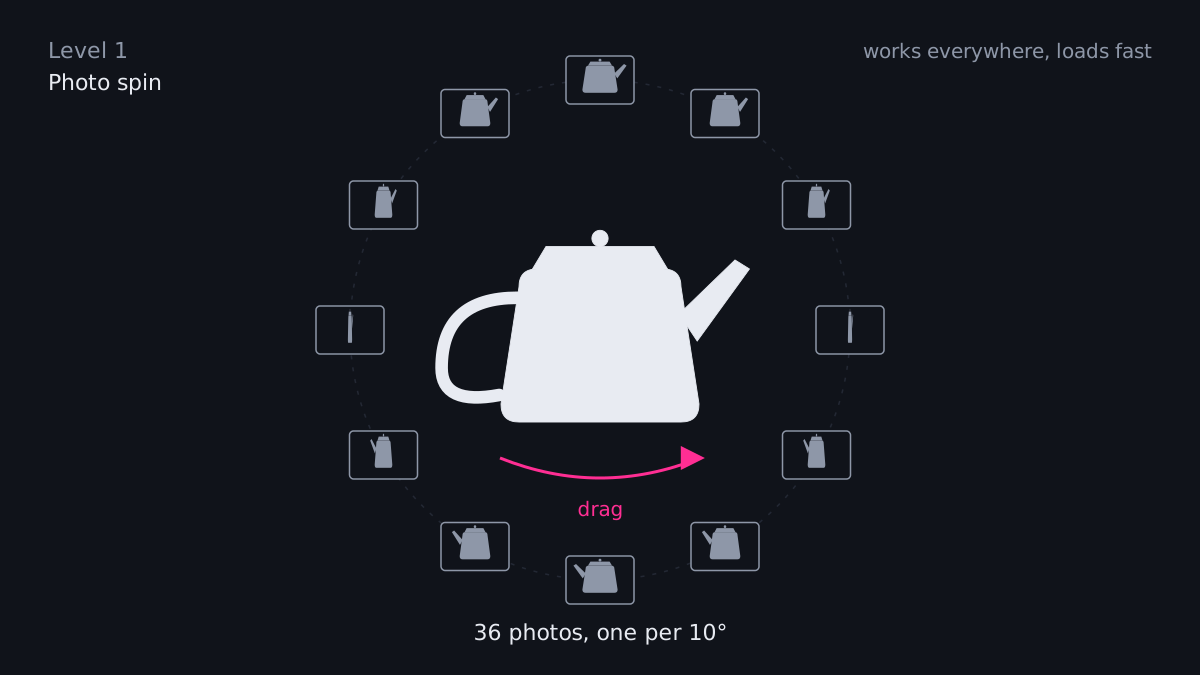
Level one. A ring of photos the customer drags through. Nothing to model, nothing to download.
A 3D viewer earns its place when the shape is the product. Hardware, fixtures, furniture, instruments, anything with a back, a cross-section or a moving part. And a configurator earns its place when the customer’s real job is picking between options that affect each other, because a configurator that gets the rules right stops a whole category of wrong orders.
Where the model comes from
This is the question that decides whether the project is cheap or expensive, so it comes first.
If you manufacture the product, the CAD already exists. STEP or IGES files from the engineering side convert to glTF, which is the format browsers want, in a pipeline that strips the internals nobody needs to see, simplifies the surfaces, and fixes the pivot points so the model sits where it should. I built exactly that pipeline for a watch movement with a few hundred parts, and it is the same job for a bracket. The credit on that one, since the model is not mine: CAD model: ETA 6497-1 by Steen Winther (GrabCAD), used under the terms of GrabCAD’s licensing for non-commercial or internal use.
If you resell, ask the manufacturer. More of them have models than will admit it on the first call, and the ones who sell through distributors increasingly publish them.
If nobody has CAD, the options are a photogrammetry scan (a few dozen photos turned into a mesh, good for organic shapes, rough on shiny or thin ones) or paying someone to model it. Both cost per product and both are fine for a small catalog. For a large one, go back to the photo spin.
What it weighs on a phone
Most product-page traffic is on a phone, and a 3D model is a download. An unoptimised CAD export can be tens of megabytes. The same part, cleaned up, compressed with the standard mesh and texture compression, and with the invisible internals removed, is usually a small fraction of that, often under a megabyte. The viewer loads it after the page is readable, shows a poster image until it is ready, and never blocks the add-to-cart button.
Two rules I hold to. The product page must be complete without the model: title, price, photos, button. And anyone without WebGL, or on a very old phone, gets the photos and never knows the viewer exists.
What it looks like on the page
On WooCommerce the viewer is a block in the product template, so your team adds a model to a product the way they add a photo, through a field on the product. On Shopify it is a section in the theme that reads a model from the product’s media, which Shopify already supports natively for simple cases. Either way the customer sees the gallery they are used to, with one more tile: a cube icon that opens the model in place. Drag to turn, pinch to zoom, double tap to reset. Lighting is tuned once per catalog so metal looks like metal and plastic looks like plastic.
Hotspots are the useful extra. A small marker on the model that says “mounting holes, 4 × M6” or “power in” turns the viewer from a toy into the answer to the phone call.
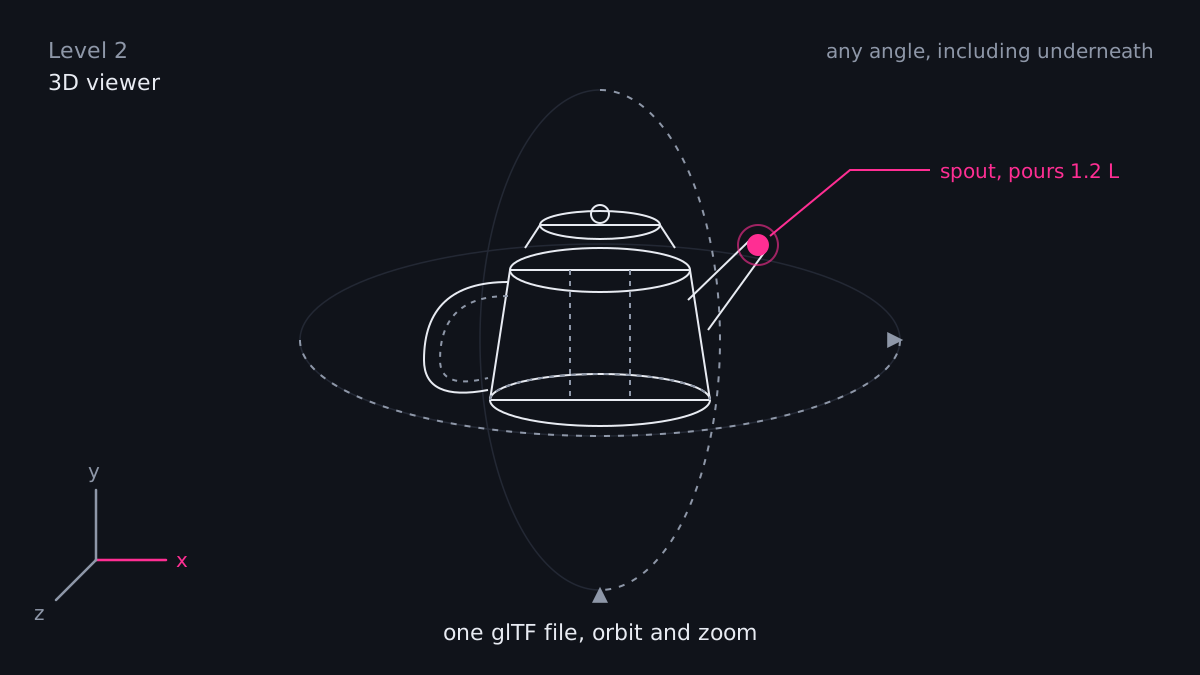
Level two. One model, any angle, and a hotspot where the questions are.
The configurator step
When the options interact, the model has to assemble itself. The customer picks a width, a finish and a bracket type, and the right parts appear in the right places with the right materials, and the price updates. That takes a rules table that says what fits what, which usually lives in a spreadsheet somebody in sales maintains already. The configurator reads that table, so sales stays in charge of the rules and nobody edits code to add an option.
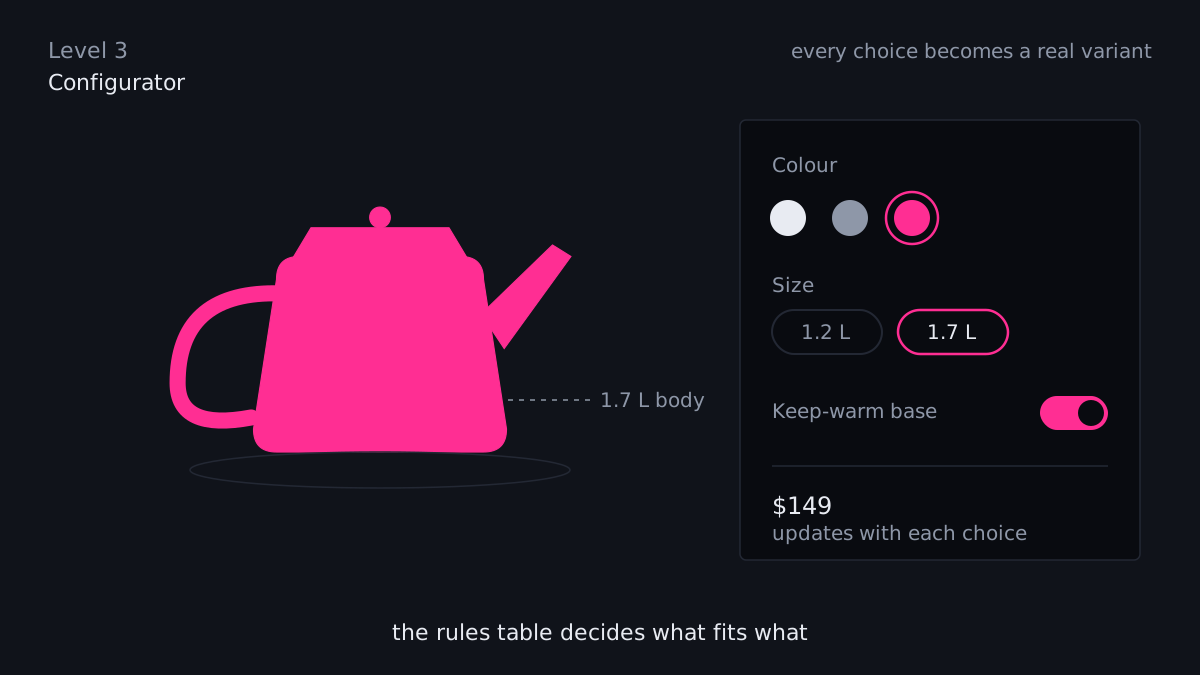
Level three. Every choice changes the model and the price, and the rules table decides what fits what.
The thing to decide early is whether the configuration becomes an order. If it does, the output has to be a real variant or a bill of materials that your fulfilment side can read, which is an integration job on top of the 3D job. I have done both halves. Doing them together from the start is much cheaper than bolting the second on.
What I would do first
Pick the three products that generate the most “which way does it go” questions or returns. Get or make models for those. Put the viewer on those three pages with hotspots on the parts people ask about. Watch the questions and the returns for a month. If the numbers move, extend the catalog. If they do not, you have spent a small amount to learn something real, which is a better outcome than a six-figure configurator for products nobody needed to rotate.
That is also the sequence I would quote. A viewer on a handful of products is a short job. A configurator is a project, and it deserves a proper scope.